
How to Summarize Any Article Online in Seconds
TL;DR: Paste any article URL into PageSum, pick a summary mode, and treat the output as a filter — not a replacement. Use Quick to decide if it's worth reading, Key Points for notes, Detailed for full understanding. Read the original when evidence quality or exact wording matters.
AI article summaries are most useful when you need a fast first pass, not a replacement for careful reading. Instead of spending fifteen minutes deciding whether a piece matters, you can get the core idea in seconds and decide what deserves more attention.
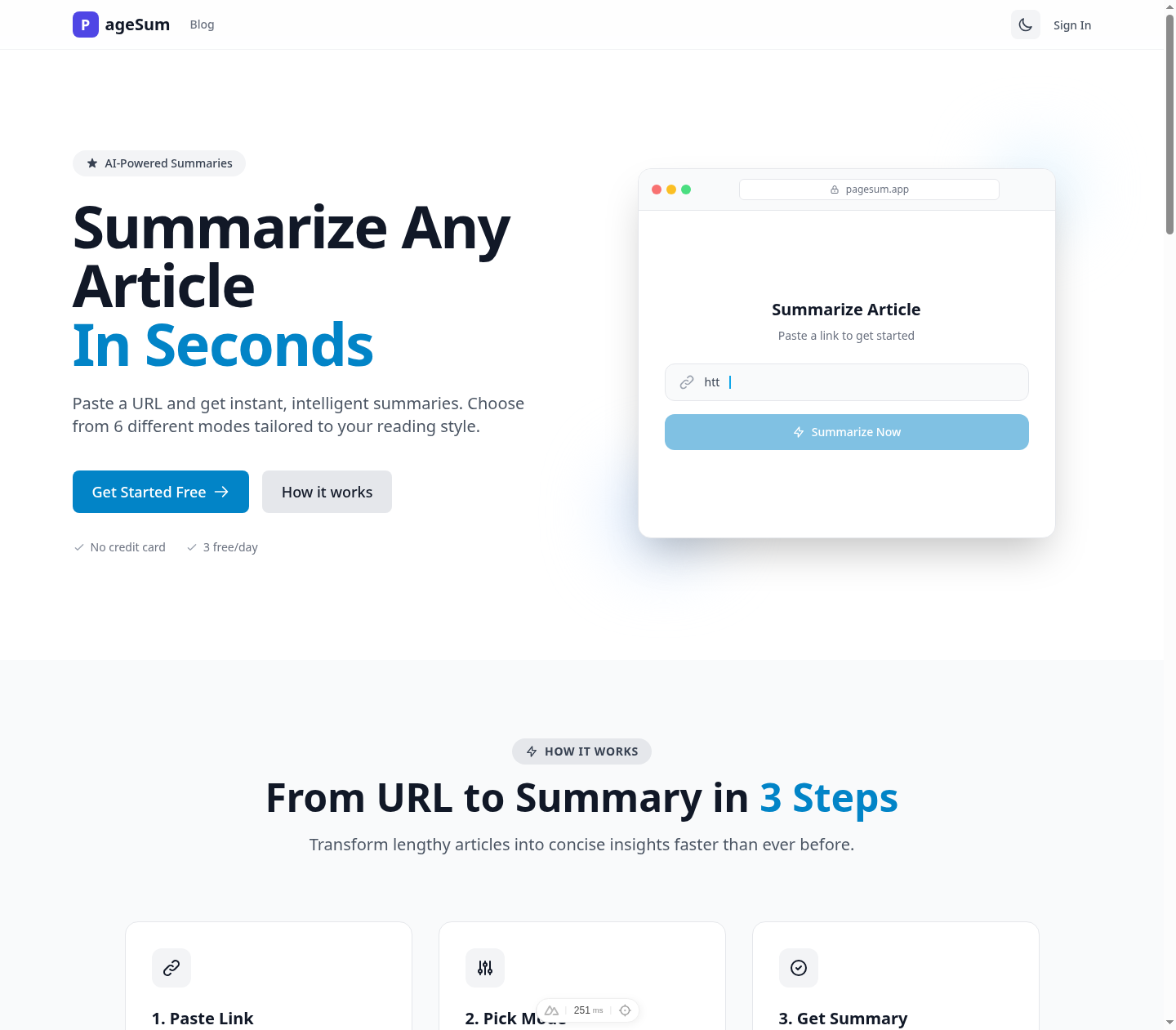
PageSum is built for that workflow, but the process below applies to any solid article summarizer.
When Summarizing Helps
Summaries are useful when the bottleneck is volume:
- You want to triage news before a meeting.
- You are sorting useful sources from shallow ones.
- You want notes from a long article without writing them from scratch.
- You need a fast briefing before reading the original.
They are less useful when precision matters:
- You need to quote or cite the article.
- The evidence and caveats matter more than the conclusion.
- The piece is subtle, argumentative, or high-stakes.
How to Summarize an Article Online
1. Paste the URL
If the article is public, start with the link instead of copying the full text.
2. Pick the right summary mode
The best mode depends on what you need:
- Quick for a fast relevance check
- Detailed for argument and structure
- Key Points for notes
- ELI5 for dense or technical topics
- ELI10 for clear but still nuanced explanations
- One-Liner for a short memory cue
If you are unsure, start with Key Points.
3. Treat the summary like a filter
Ask one question first: does this give me enough signal to decide what to do next?
After that, you can:
- skip the article
- read only the relevant sections
- save the summary as notes
- switch to a better mode
- read the full piece
Quick Example
Imagine a long article about a new AI regulation:
- Quick tells you the main claim.
- Key Points gives you the rule changes and timeline.
- Detailed explains the reasoning and tradeoffs.
- ELI5 turns legal language into plain English.
- One-Liner helps you remember what the article was about later.
Same article, different jobs.
Common Mistakes
- Using the wrong mode for the task
- Trusting summaries for high-stakes decisions
- Expecting paywalled articles to summarize completely
- Forgetting that useful summaries still omit nuance
When to Read the Original
Read the full article if you need evidence quality, exact wording, or the author's full argument. The best workflow is usually:
- summarize first
- decide whether it matters
- read selectively or fully if the stakes justify it
Best Mode by Goal
For a full breakdown of what each mode does and when to use it, see 6 AI Summary Modes Explained.
If you want to test that workflow on real articles, PageSum lets you paste a URL and generate summaries in six different modes. If you're working with PDFs instead of web articles, see How to Summarize a PDF for Free. For a faster workflow while browsing, the PageSum Chrome extension summarizes the current page in one click. PageSum also supports video file summarization — see How to Summarize Video Files with AI.
More posts
How to Get a Facebook Reel Transcript (Even With No Captions)
Turn a Facebook Reel, video or Live replay into text: paste the link, get the transcript and a summary, then copy it or download it as TXT, SRT or VTT. Works when the video has no captions.
How to Summarize a Facebook Video or Reel with AI
Paste a Facebook video, Reel or Live replay link into PageSum and get an AI summary and transcript in seconds, even when the video has no captions. Which links work, free vs Pro limits, and tips.
PageSum vs NoteGPT vs Eightify: Which YouTube Summarizer to Use
An honest comparison of PageSum, NoteGPT and Eightify for summarizing YouTube videos: platforms, videos without captions, pricing and who each tool is best for. Checked September 2026.
How to Summarize Long YouTube Videos and Podcasts
How to get a useful summary of a 1-hour lecture, podcast or livestream replay on YouTube: which mode to use, how chapters help, and what to know about very long transcripts.
How to Summarize a YouTube Video With No Captions
Most summarizers fail when a YouTube video has no subtitles. Here's how PageSum transcribes caption-less videos with AI, what the length limits are, and what to do when a video is too long.
5 Best Video Summarizer Tools in 2026 (Free & Paid)
Comparing the best AI video summarizer tools in 2026: PageSum, Summarize.tech, NoteGPT, Notta, and Kagi. Honest breakdown of features, limits, and which one is actually worth using.
How to Summarize TikTok and Instagram Videos with AI
Paste a TikTok, Instagram, X or Facebook video link into PageSum and get an AI summary. Explains when it works, what limits apply on the free and Pro plans, and why some videos can't be summarized.
How to Summarize a YouTube Video Without Watching It
Paste a YouTube link into PageSum to get an AI summary from the video's transcript. Covers free vs Pro limits, what to do when a video has no captions, and which summary mode to use.
PageSum vs ChatGPT for Summarizing: Which Should You Use?
An honest comparison of PageSum and ChatGPT for summarizing articles, PDFs and videos: where a dedicated summarizer helps, and where a general-purpose assistant is the better choice.
Artikel, URLs, PDFs und Videos zusammenfassen — mit KI in Sekunden
Mit PageSum fasst du Artikel-URLs, PDFs und Video-Dateien in Sekunden per KI zusammen. Format wählen, Inhalt eingeben oder hochladen — die KI erledigt den Rest.
Pagesum is Live on Product Hunt: AI Summarization for Everyone
We are officially launching Pagesum on Product Hunt! Discover how our 6 AI summary modes and Chrome extension help you read less and do more.
How to Summarize an Article for Me (Free AI Tool)
Looking for a tool that can summarize an article for you? Paste any URL into PageSum and get an instant AI summary in seconds — free to start.
PageSum Chrome Extension: Summarize Any Page in One Click
Install the PageSum Chrome extension and get instant AI summaries on any webpage without switching tabs. Works on articles, blogs, news, and more.
6 AI Summary Modes Explained: Which One Should You Use?
Compare Quick, Detailed, Key Points, ELI5, ELI10, and One-Liner summary modes to see which one fits your reading goal, not just the article length.
How to Summarize a PDF for Free (Without Copy-Pasting)
Summarize any PDF online for free. Drag, drop, and get an instant AI summary — no copy-pasting required. Works with research papers, reports, and ebooks.